
Data & networkingHistorical technical note
A first look at PhotoKit in Swift
Uses a multi-photo picker to introduce PhotoKit, including the maximum selection count, returning an array of PHAsset objects and invoking a closure. The album project and learning resources document an attempt to move from AssetsLibrary to PhotoKit.
Originally credited to 大石头布; edited and archived by Bison.
Source listed in the originalOn this page
Editor: Bison
Contributor: 大石头布
1. What is PhotoKit?
PhotoKit is Apple's library for working with photo-library resources. Previously, we used The AssetsLibrary framework , the Camera and Photos apps changed significantly, adding features such as organizing photos by moments. Meanwhile, AssetsLibrary fell behind, and Apple introduced PhotoKit starting in iOS 8.
2. This article's example
This article introduces basic PhotoKit usage. Here is the result:

I previously wrote a Jianshu article about the photo library using AssetsLibrary, which had some problems too: Selecting multiple photos in Swift that is the article. I recommend using PhotoKit for photo-library management where possible.
Tapping Done in the image above returns the photos through a closure, passing a [PHAsset] array for use. You must also supply the maximum number of selectable photos; I use 4 here.
Using it in a vc takes just one line.
self.zz_presentPhotoVC(4){ (assets) in
              print(assets.count)
}
I originally planned to explain PhotoKit, but I do not yet have much original insight into it. Most of my understanding comes from official documentation and good blogs, which already explain what I wanted to discuss. Instead, here are those links and the source of my practice project for you to study.
3. Learning resources and code
obc China
A good article by a fellow Jianshu author
Official Objective-C sample code
WWDC PhotoKit video
Code for the gif above, in Swift
Updated 2016/4/29
Following WeChat's approach, remove empty smart-album cells, combine all groups into one section and sort them, improve the presentation, change the selection mode, and add preview, which is not implemented yet. As shown:

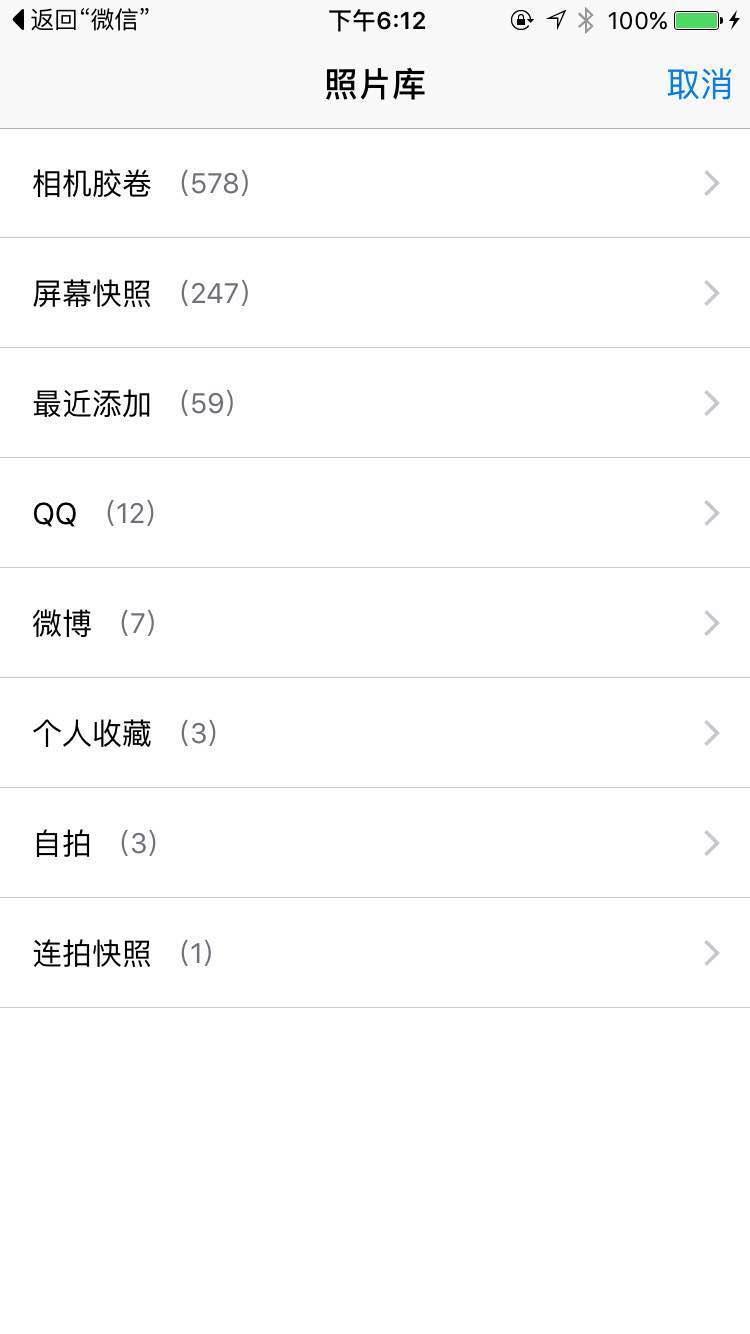
Exceeding the selection limit produces a left-right shake as feedback. I will update this again after implementing preview. Suggestions are welcome. There are still many rough edges, which I will improve gradually.
Updated 2016/5/3
1
Preview is now implemented, and the component is basically usable. Let me know if you need anything else.

Recommended reading: Rich text with hyperlinks on iOS