 Drawing
Aquarell
Make room for a little colour.
About the app & 40 tutorials BisonCreative & development notes
INDEPENDENT DEVELOPER & CREATOR
I’m Bison, an iOS developer. I write about the apps I make, with practical guides to drawing, reading and organising your own media.
MADE WITH CARE / 01
DrawingMake room for a little colour.
About the app & 40 tutorials Comics
Your comics, ready for the next chapter.
About the app & 40 tutorials Vector design
Give a simple shape somewhere to go.
About the app & 40 tutorials Ebooks
A quiet home for your own books.
About the app & 20 tutorials Video & media
Your videos, with their own place to play.
About the app & 20 tutorials Retro games
Make time for an old favourite.
About the app & 20 tutorialsLEARN BY DOING / 02
Choose a small goal and start with one tutorial.
Start with a simple drawing exercise to learn canvas settings, the role of each layer, brush adjustments and PNG or native-project export in Aquarell.
Start with your own CBZ, CBR or PDF to learn local comic import, shelf selection, offline reading and common issues in ManYue.
Start with a small icon made from circles and rectangles to learn canvases, fills and strokes, layer organisation and the choice between SVG and PNG.
Import a local EPUB, jump between chapters, save your position and check offline access, without mistaking a remote cover for downloaded text.
Import your own video from Files, check the local source, picture, sound and viewing progress, and understand the relationship between the library and original file.
Begin with a ROM you supply, then import it, confirm its platform, check controls, save manually and verify after exit for a clear first-use workflow.
IN MOTION / CREATIVE PROJECTS
Recorded workflows, with written steps to follow at your own pace.
Use closed pen paths, fills and strokes in VectorPaint on an iPhone Duo simulator to build a sun, mountains, sea, cape and lighthouse. Follow the stacking of 17 objects, a window-closure mistake and three separate wave highlights.
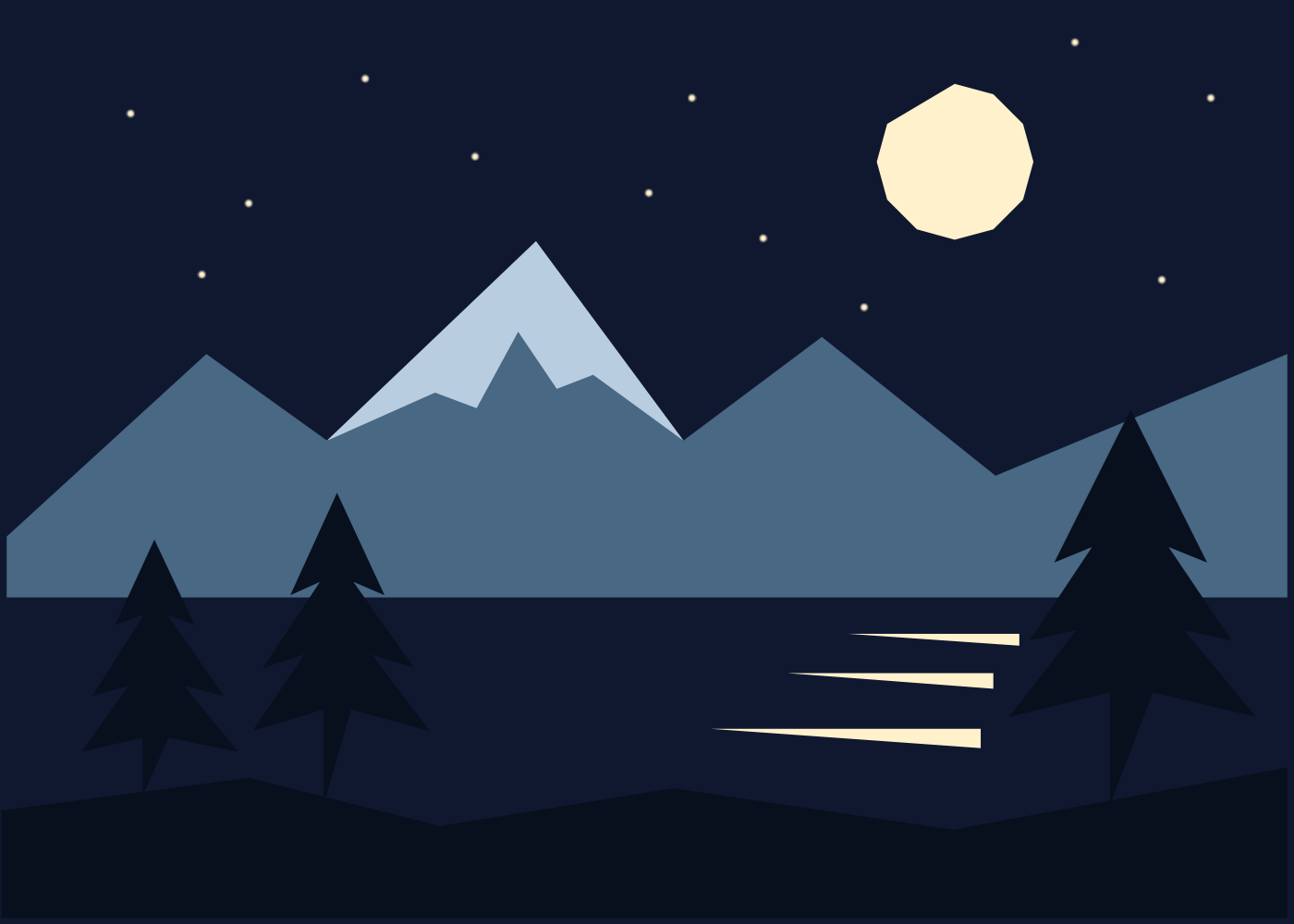
Use polygon selections, fills and four layers in Aquarell on an iPhone Duo simulator to make snowy mountains, three pines, a moon, twelve stars and lake reflections. Includes a chaptered video, a five-colour palette and the native 1400×1000 PNG.