
UIKit & graphicsHistorical technical note
Custom iOS Transitions with a Two-Line API
Introduces WTKTransitionAnimate, selecting transitions through a navigation delegate and factory methods. It combines drag gestures with percentage-based progress to implement an interactive back transition and explains the organization behind the wrapper.
Originally credited to 逆流丶而上; edited and archived by Bison.
Source listed in the originalOn this page
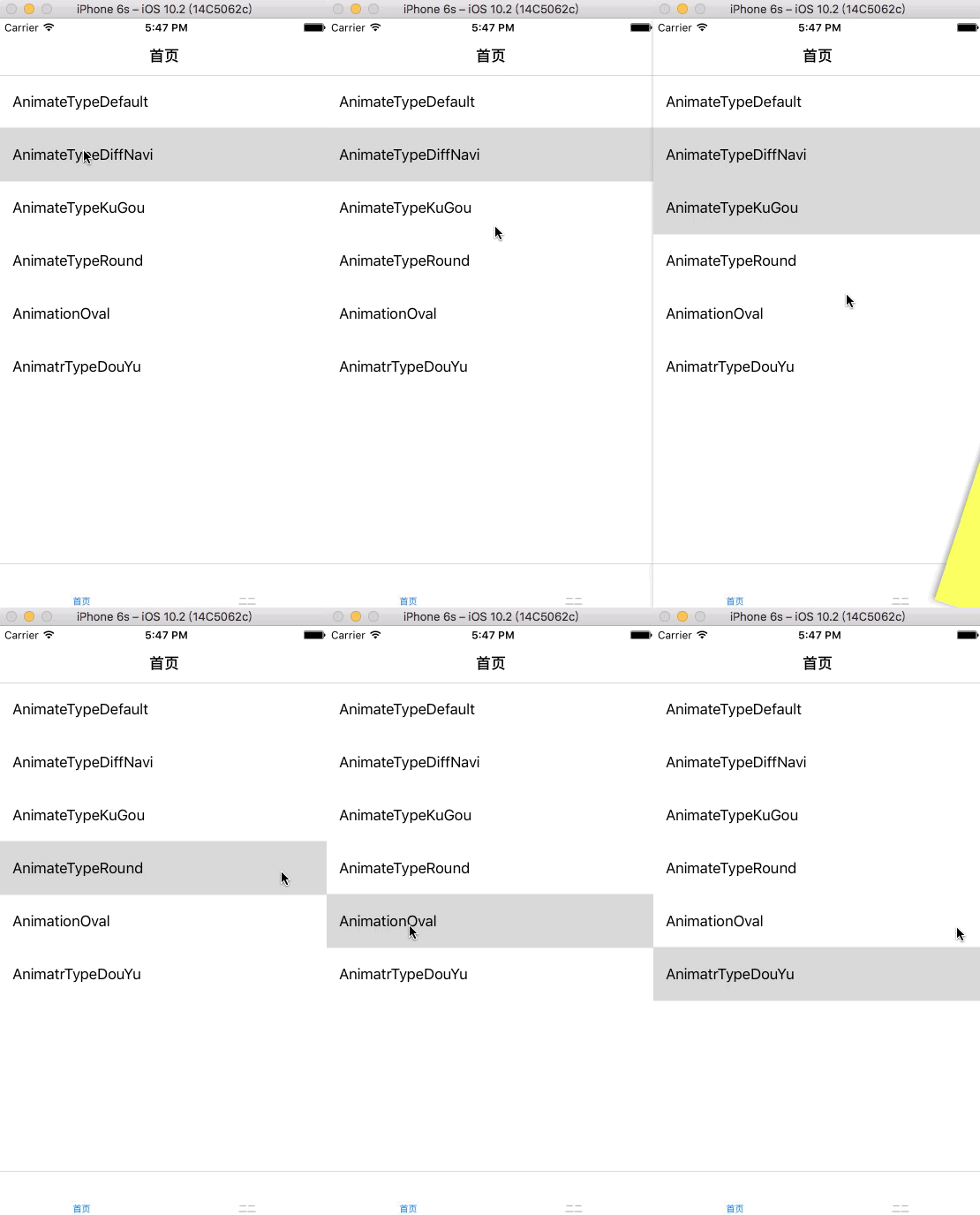
iOS7 introduced new transition APIs through protocols,
I wrapped several common transitions for simpler use. Search CocoaPods for WTKTransitionAnimate and import it.
Usage
Import #import
self.navigationController.delegate = [WTKTransition shareManager];
[WTKTransition shareManager].animationType = WTKAnimateTypeKuGou;
Set navigationController’s delegate to the WTKTransition singleton; animationType specifies the transition:
typedef NS_ENUM(NSInteger,WTKAnimateType)
{
    WTKAnimateTypeDefault = 0,
    /// 两个导航栏不一致
    WTKAnimateTypeDiffNavi,
    ///仿酷狗
    WTKAnimateTypeKuGou,
    ///圆形遮罩
    WTKAnimateTypeRound,
    ///椭圆遮罩
    WTKAnimateTypeOval,
    ///仿斗鱼
    WTKAnimateTypeDouYu,
};
Implementation
The singleton implements two transition delegate methods, using a factory to create subclasses for animateType and concrete animations. UIPercentDrivenInteractiveTransition provides interaction. A pan gesture on viewController.view updates its state. Normally the gesture belongs in a parent controller; for easier usage, a category uses runtime associations and intercepts viewDidLoad to add the back gesture.
WTKAnimateTypeRound centres each animation on the tap coordinate. Obtain the tap location and use it as the next push animation’s centre. There are two ways to obtain it:
1. Subclass Appdelegate, implement sendEvent and obtain coordinates from Event.
2. Use a category to intercept sendEvent through runtime and obtain coordinates from Event. This simplifies WTKTransitionAnimation usage. Cancelling the swipe-back gesture also posts WTK_CANCEL_POP.
Recommended reading: Implement an iOS launch-screen advertisement in minutes