UIKit & graphicsHistorical technical note
Animating a view around another view on iOS
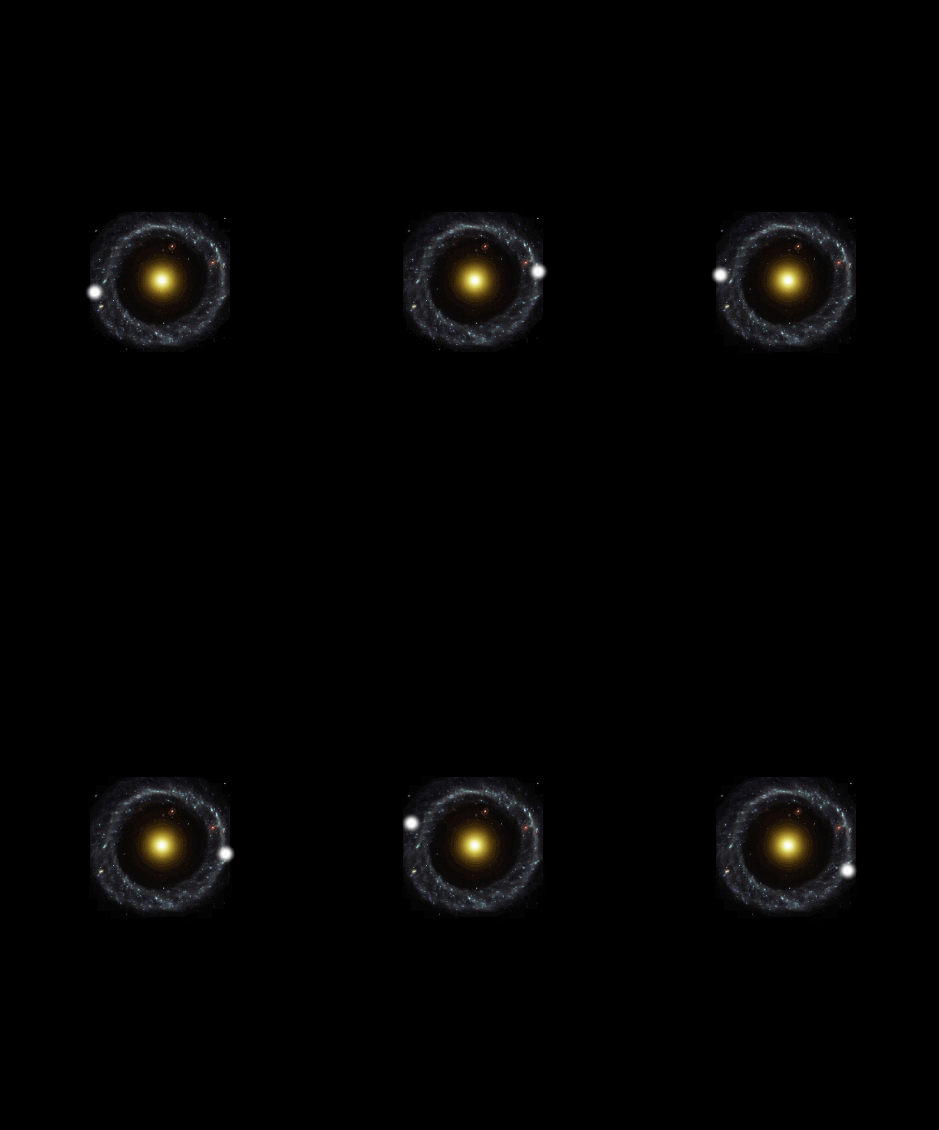
Explains how to move a view around the centre of an image. Trigonometric functions calculate points on a circle, and updating the view coordinates produces an orbiting animation without a complex animation framework.
Originally credited to Bison. Content is retained as published.
On this page
"Health is the foundation of everything. Getting more exercise is the way to go." Bison
A recent project needed an animation, so I looked through a lot of related material.
I found nothing suitable, so I made a custom implementation.
The main principle uses the sine rule for triangles
and the cosine rule to animate a view moving around an image's center.
See the code below.
Core code
self.center = CGPointMake(_radius * cosf(_angle) + imgView.center.x, _radius * sinf(_angle) + imgView.center.y);

_timer = [NSTimer scheduledTimerWithTimeInterval:_time target:self selector:@selector(moveView) userInfo:nil repeats:YES];