
UIKit & graphicsHistorical technical note
Mac development series: NSImageView
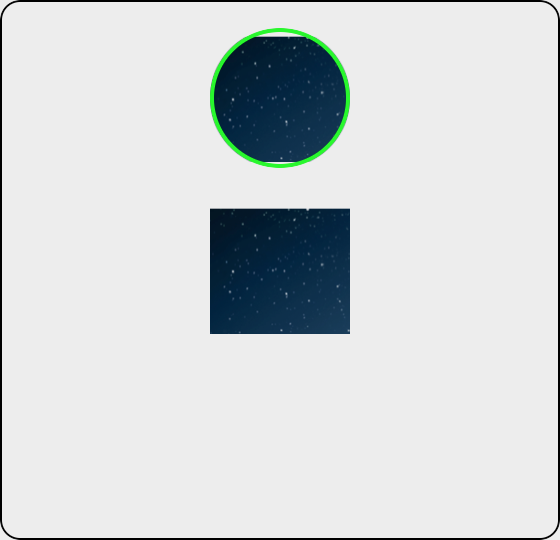
Demonstrates creating an NSImageView, assigning an image and adding it to a macOS interface. Enabling its backing layer and configuring corner radius and border then produces a circular avatar style.
Originally credited to Bison. Content is retained as published.
On this page
"iOS technical sharing, iOS development, iOS development tips, iOS development blog" Bison
I have recently been exploring some Mac development techniques. Follow along if you are interested! I hope to get to grips with Mac development in my spare time.
//初始化NSImageView并设置它的大小
NSImageView *imgView = [[NSImageView alloc]initWithFrame:CGRectMake(self.view.frame.size.width/2-35, 100, 70, 70)];
//给图片赋值和iOS开发是一样的
imgView.image = [NSImage imageNamed:@"1"];

[self.view addSubview:imgView];

//设置圆角
imgView.wantsLayer = YES;
imgView.layer.cornerRadius = 35.0f;
imgView.layer.borderWidth = 2;
imgView.layer.borderColor = [NSColor greenColor].CGColor;
imgView.layer.masksToBounds = YES;
The final result is shown below.
Recommended reading: An illustrated guide to implementing iOS in-app purchases
Original article: https://allluckly.cn/
Copyright © Bison. Please retain a hyperlink to the original article when reproducing it.