From the first mark to the last adjustment, a record of the creative process. Follow the video alongside the written steps and try an idea of your own.
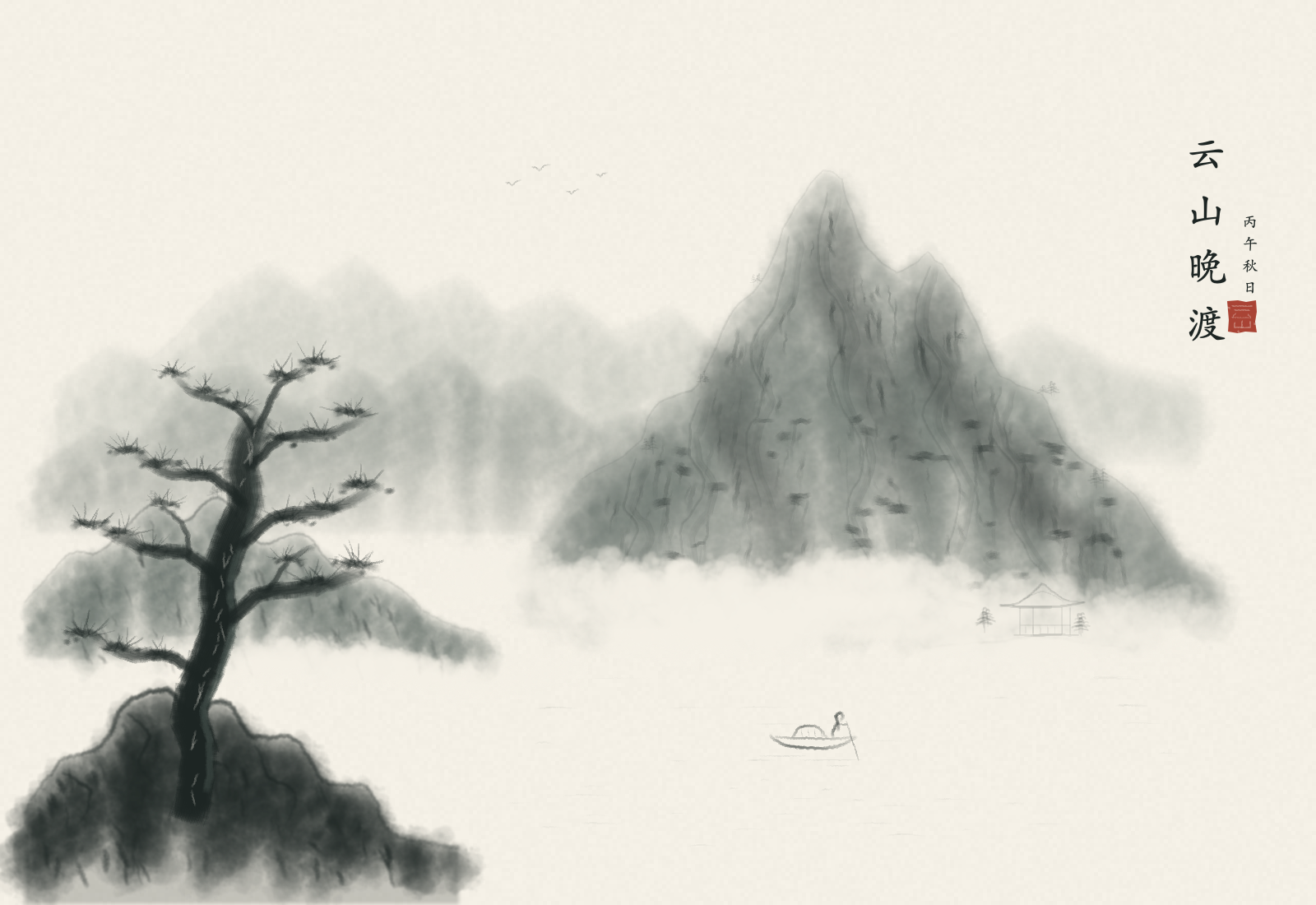
Build distant mountains with pale washes, add rock contours and texture, then paint an old pine, a riverside pavilion and a small boat through Aquarell MCP. Follow the native brushes, open space, editable text, saving and export of a 1600×1100 px, 19-layer landscape, with a full-app tutorial video.
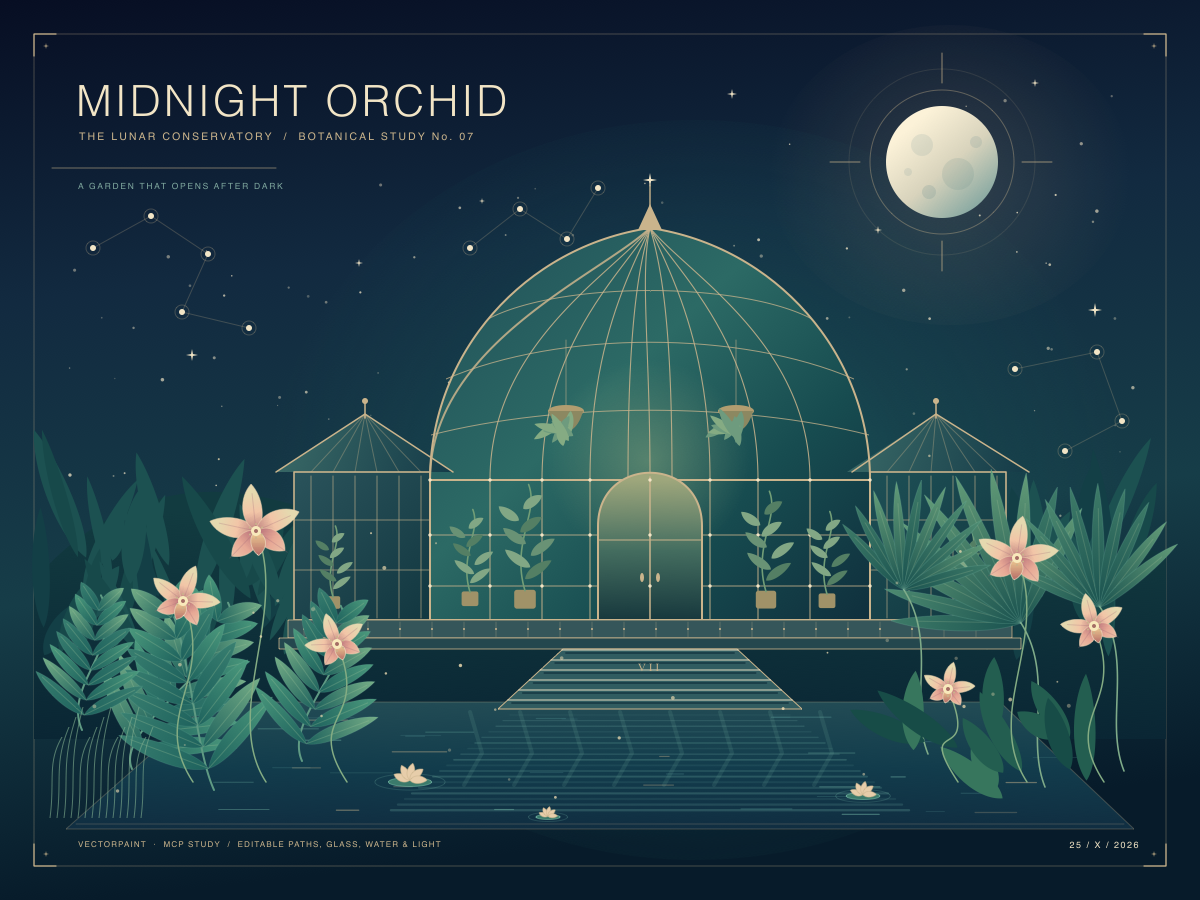
Six pale pink orchids surround a glass conservatory at night, with a moon, stars and reflections in deep blue-green. Create editable paths, gradients and text through VectorPaint MCP, keep the original and export a native 1200×900 px PNG, with a real-canvas creation video.
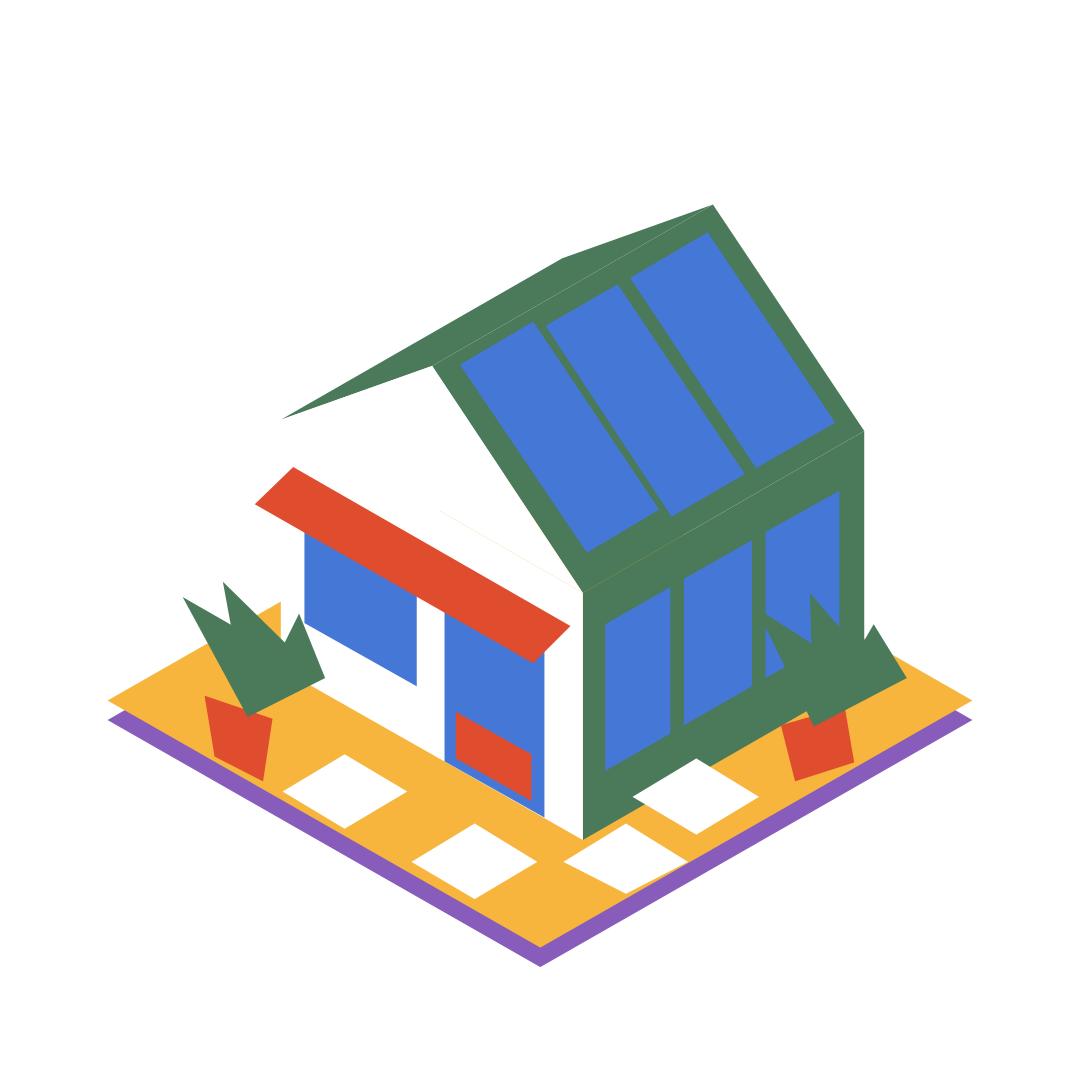
Use closed pen paths, six flat colours and the Geometry form in VectorPaint on an iPhone Duo simulator to build a greenhouse, glazing, awning, two plants and four paving stones. Follow 29 closed paths, corrected pot positions and early path-closure fixes, with the native 1080×1080 PNG.
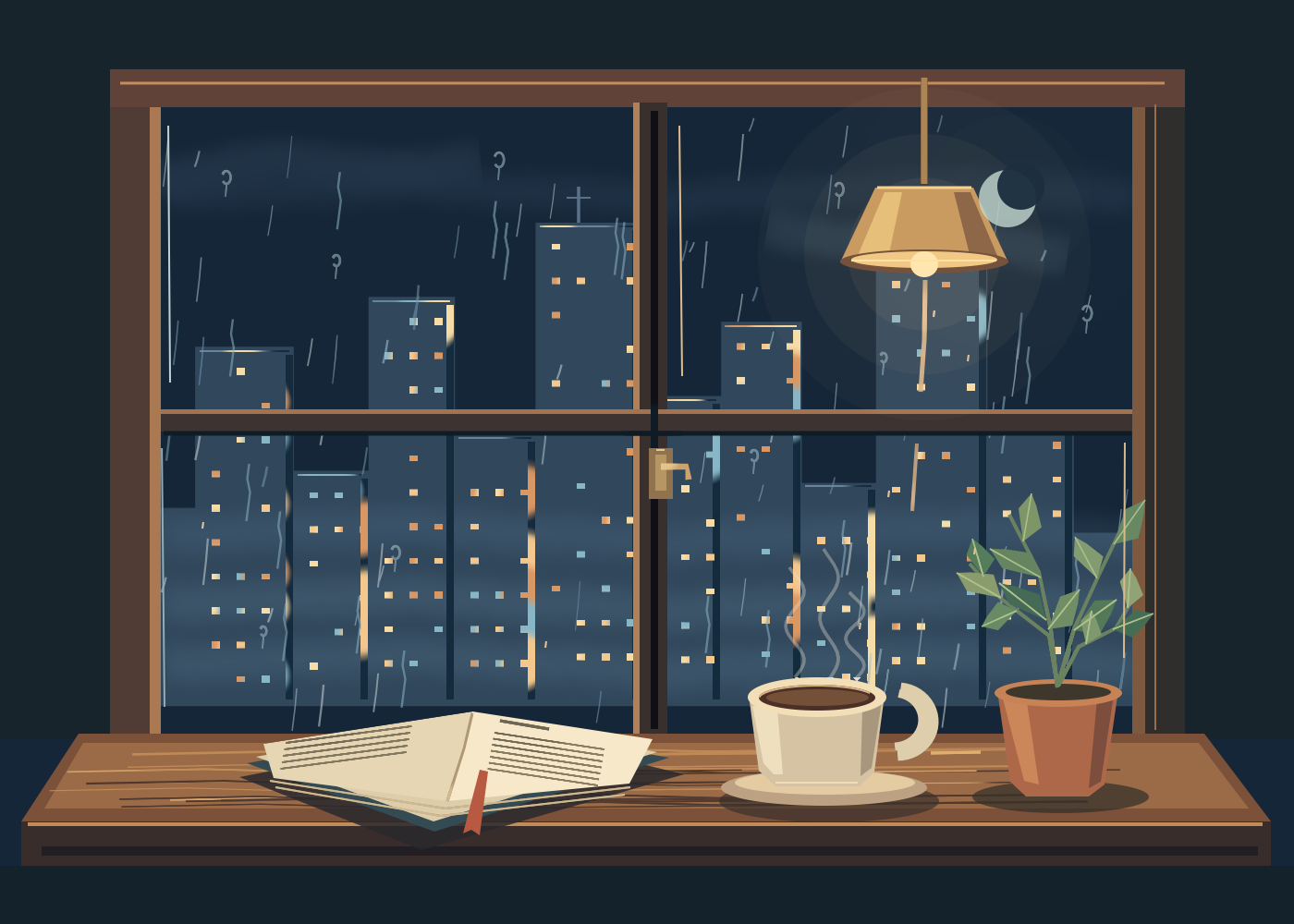
Build a cool-blue city, rain-streaked glass, a warm lamp, book, coffee and plant with Aquarell selections, brushes and 13 layers. Includes a real creation video, bilingual subtitles, colours, concrete steps and the native 1400×1000 artwork.
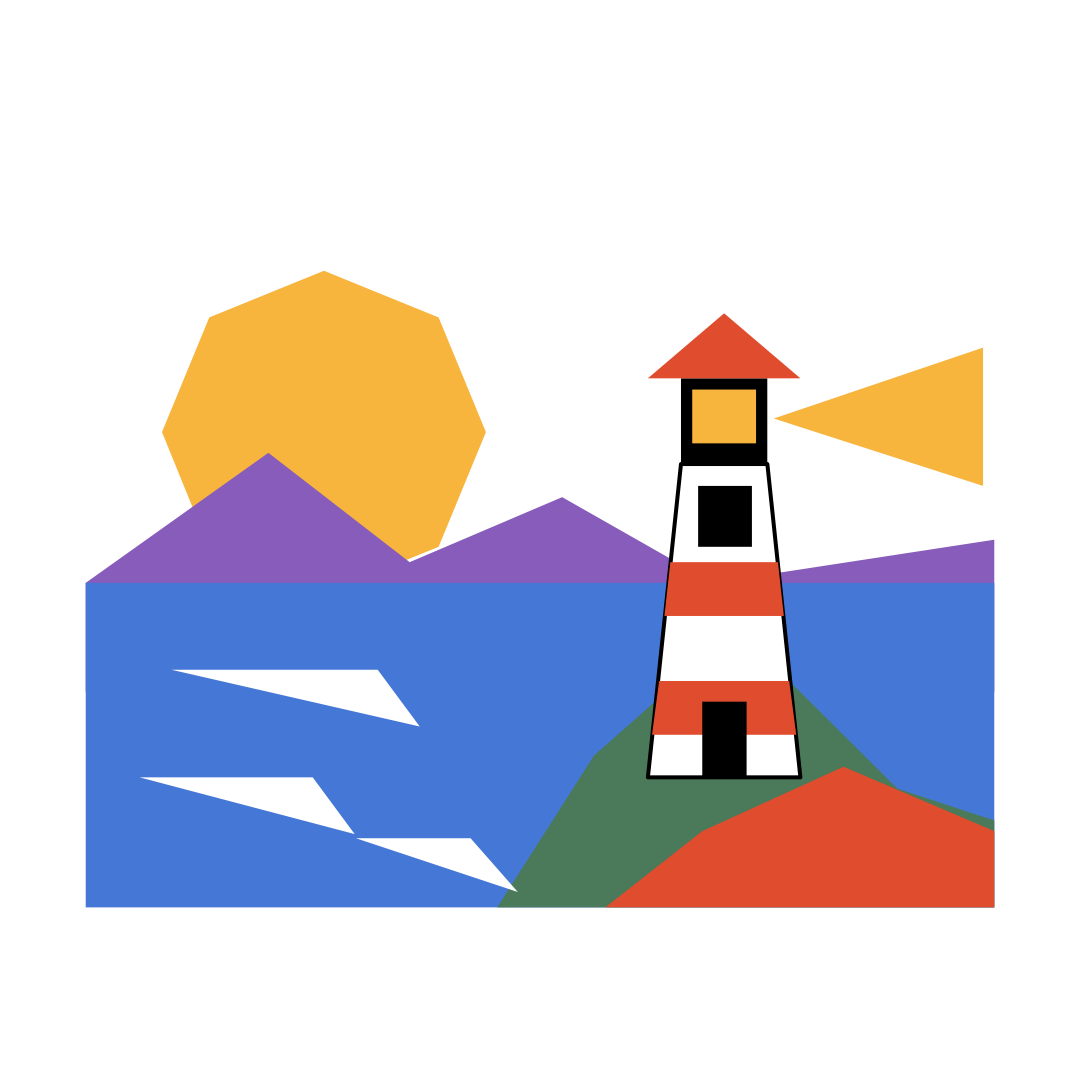
Use closed pen paths, fills and strokes in VectorPaint on an iPhone Duo simulator to build a sun, mountains, sea, cape and lighthouse. Follow the stacking of 17 objects, a window-closure mistake and three separate wave highlights.
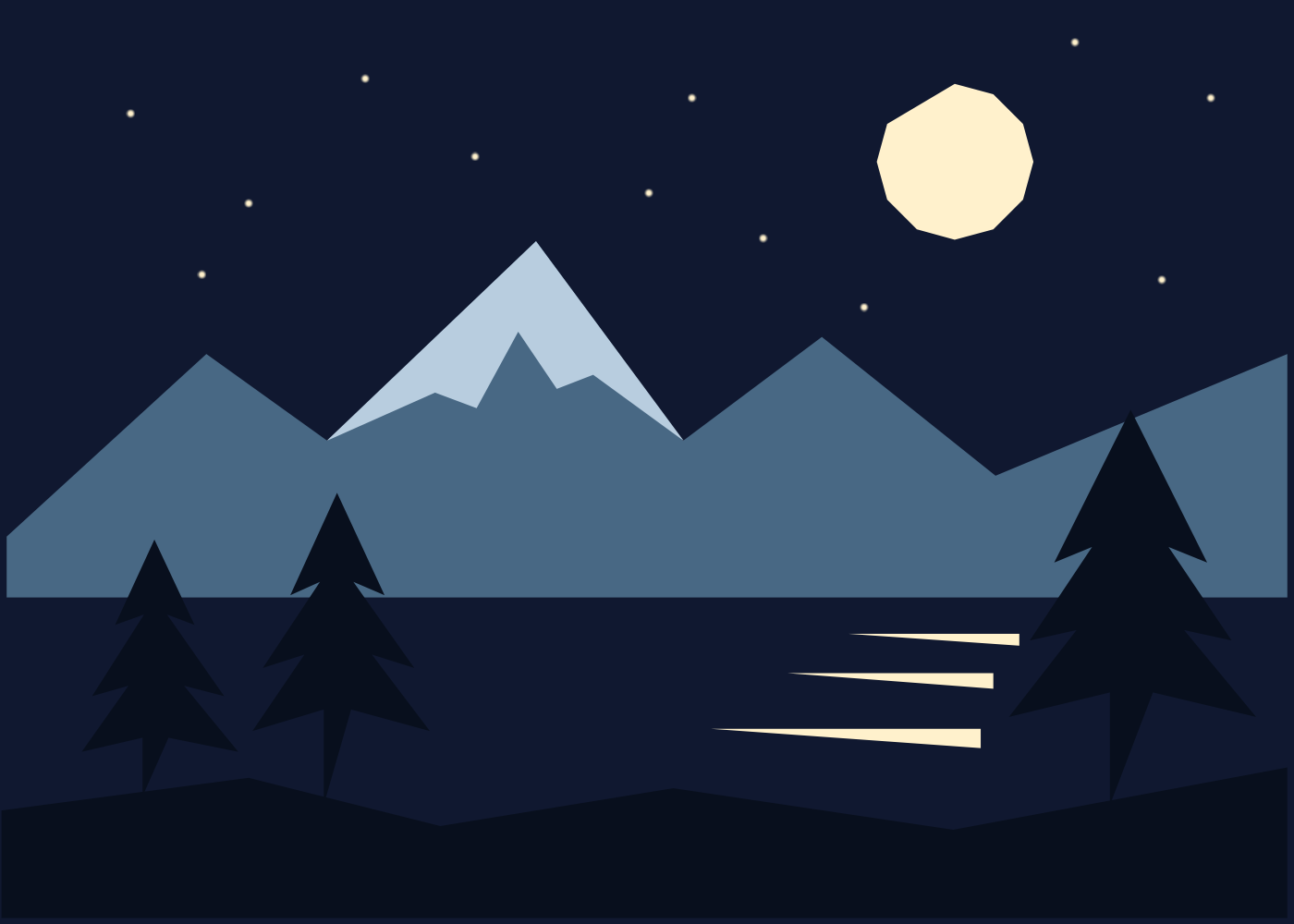
Use polygon selections, fills and four layers in Aquarell on an iPhone Duo simulator to make snowy mountains, three pines, a moon, twelve stars and lake reflections. Includes a chaptered video, a five-colour palette and the native 1400×1000 PNG.
Layer short mint, lilac and warm-white brush marks over deep blue to practise brush size, opacity and empty space. Includes the recorded workflow, colour settings and native exported artwork.