UIKit & graphicsHistorical technical note
An iOS profile page in one minute
Introduces integration of the LBPersonalPage_VC profile-page component. Importing its files, inheriting from the base controller and adding configuration lets a project reuse the page's visual behaviour; the example project provides the implementation details.
Originally credited to Bison. Content is retained as published.
On this page
“Enrich yourself and increase your value by continuing to learn.” Bison
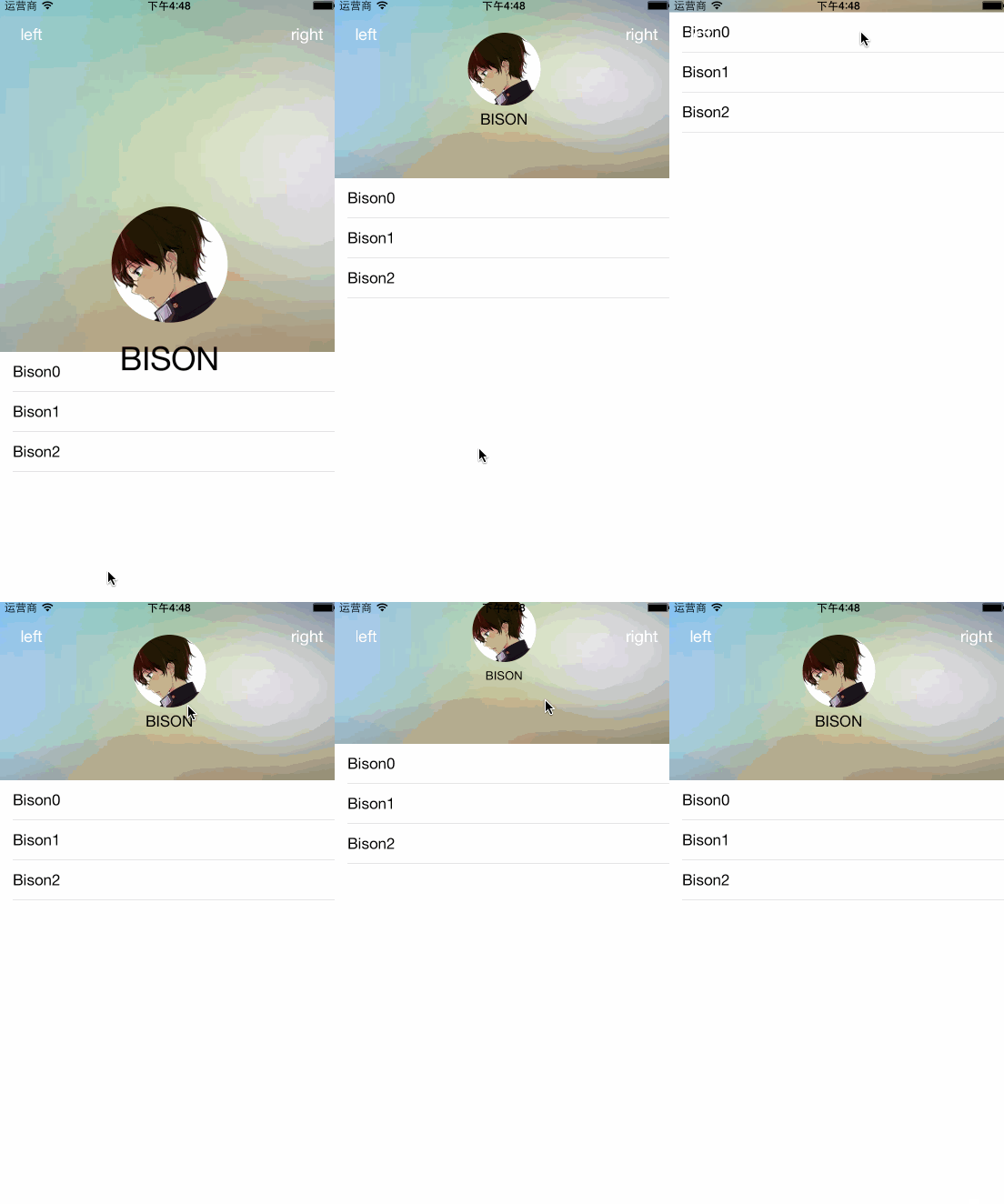
A striking profile interface in one minute is no longer a dream! Let’s go straight to the code.
First, drag LBPersonalPage_VC into your project.
Then 继承LBPersonalPage_VC.
The code is as follows
Core code
//头像设置
self.headImageView.image = [UIImage imageNamed:@"myheadimage.jpeg"];
//背景设置
self.imageBG.image = [UIImage imageNamed:@"BG.jpg"];
//昵称设置
self.nameLabel.text = @"BISON";
//右边按钮
- (void)rightBtnAction{
    NSLog(@"hello-rig");
}
//左边按钮
- (void)leftBtnAction{
    NSLog(@"hello-left");
}