UIKit & graphicsHistorical technical note
A Swift profile page with a simple integration
Shows how to integrate the Swift version of a profile-page component. Importing LBSwift_PersonalPage and inheriting from its controller reuses the interface, while the example code demonstrates the relationship between the wrapper and its callers.
Originally credited to Bison. Content is retained as published.
On this page
“Enrich yourself and increase your value by continuing to learn.” Bison
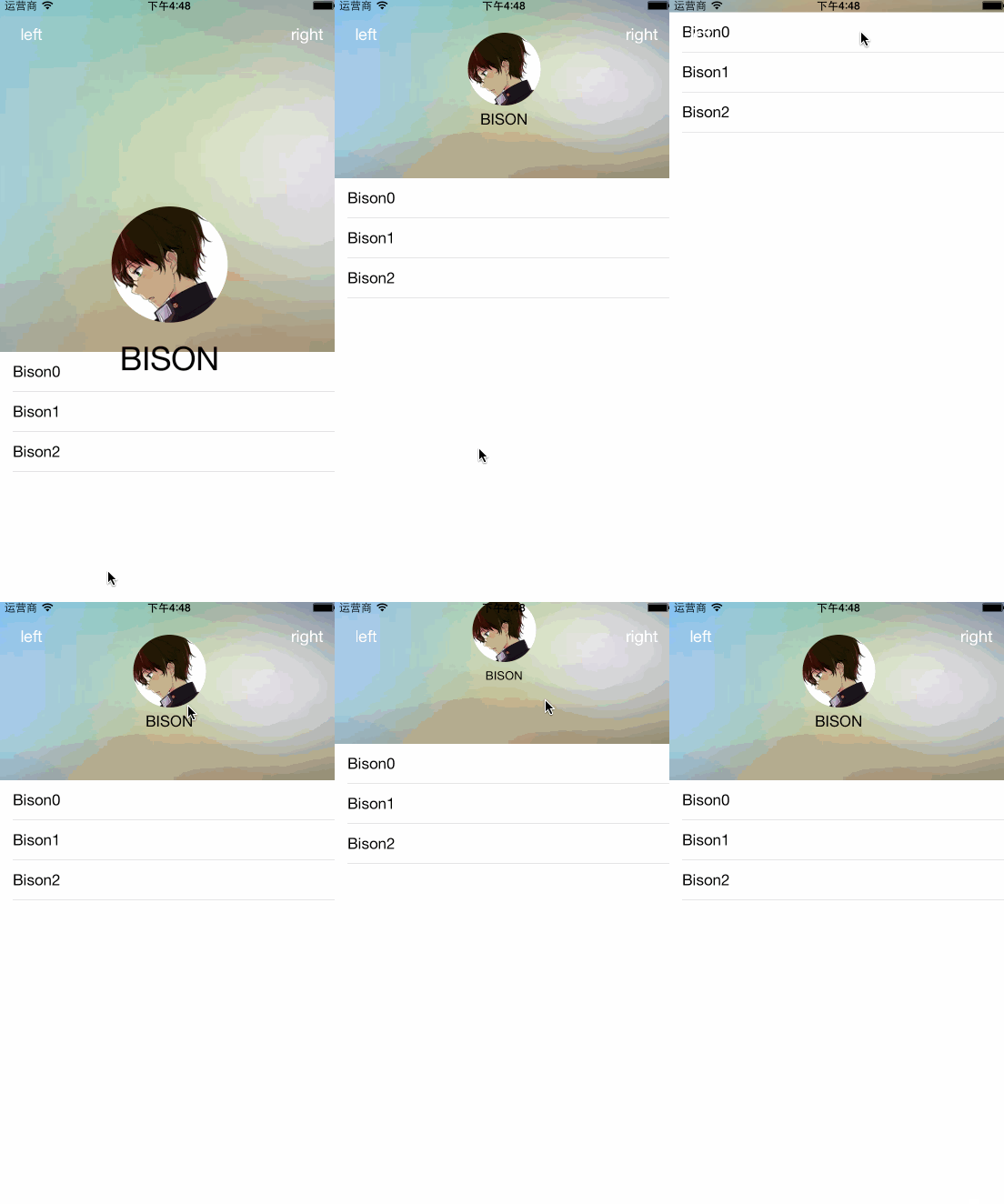
With Swift, creating this striking profile interface in one minute is no longer a dream! Enough talk—here is the code.
First, drag LBSwift_PersonalPage into your own project.
继承LBSwift_PersonalPage
The code is as follows
Core code
//头像设置
self.headImageView?.image = UIImage(named: "myheadimage.jpeg")
//背景设置
self.imageBG?.image = UIImage(named: "BG.jpg")
//昵称设置
self.nameLabel?.text = "BISON";
//右边按钮
override func rightBtnClick() {
    println("我是继承右边的哦")
}
//左边按钮
override func leftBtnClick() {
    println("我是继承左边的哦")
}
Click to download the Swift demo
Click for the Objective-C demo