
UIKit & graphicsHistorical technical note
Building a WeChat-style iOS app, part 3
Continues the main interface by exposing constraints from xib files and adjusting their constant values for the screen. It also refines navigation-bar button positions and loads images with SDWebImage placeholders.
Originally credited to WzxJiang; edited and archived by Bison.
Source listed in the originalOn this page
Editor: Bison
Contributor: WzxJiang
"I did not update the article yesterday because I had to upload an internal testing build for work. Our New Year holiday begins tomorrow. I will arrive home on 2/2 and resume updates on 2/3!:"

Completed today
— Complete the UI for all main screens, without implementing their functionality.
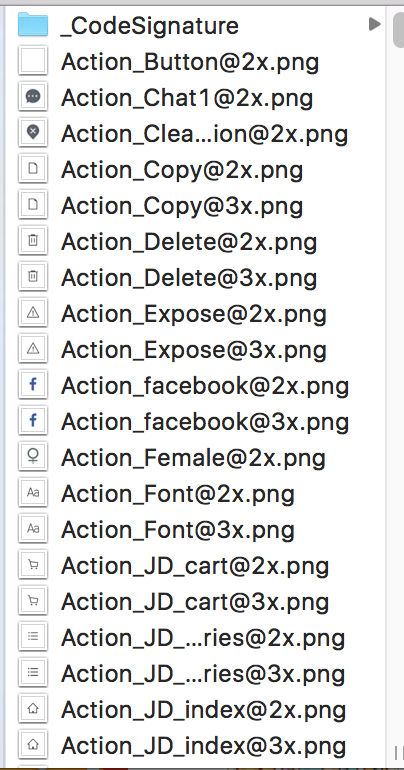
— Update the project's images. Forgive me for only just learning how to extract an ipa…
Result
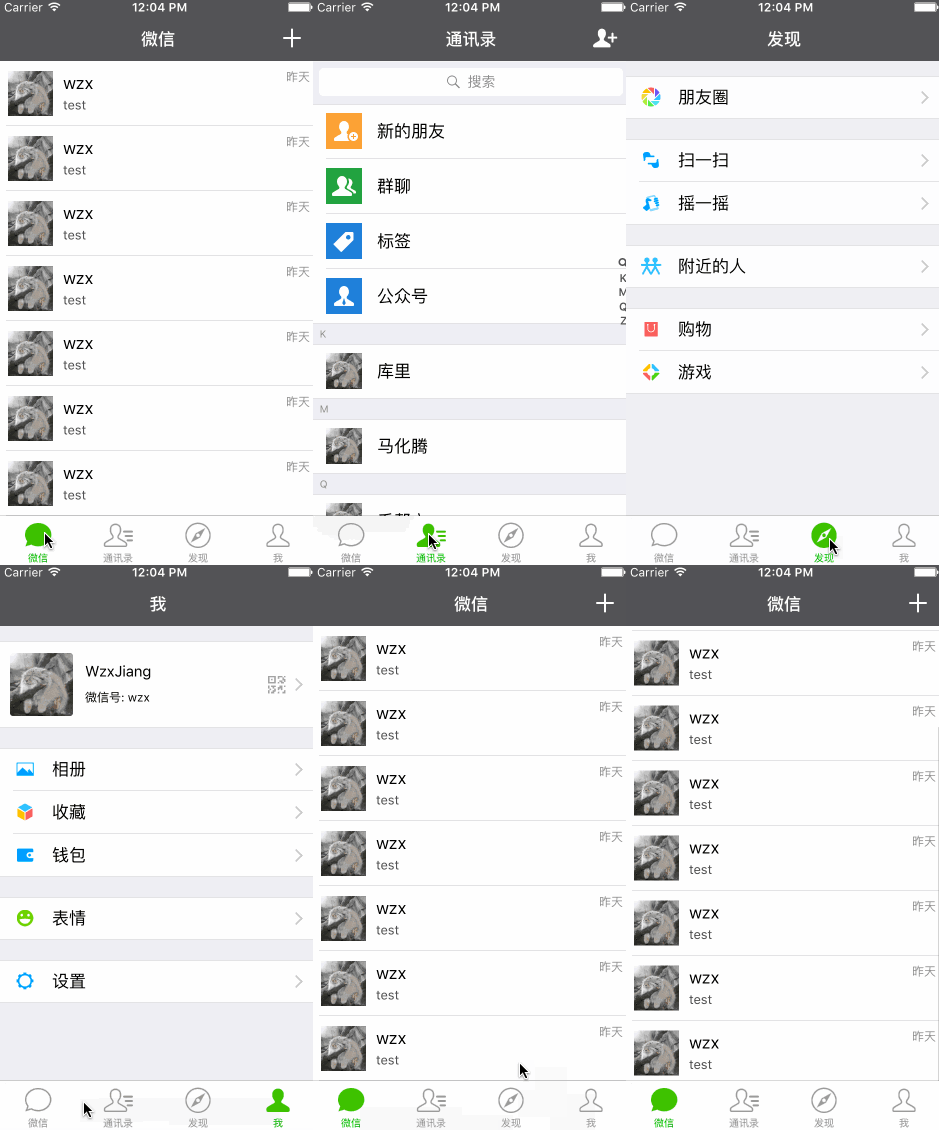
The code is still fairly simple, so I will discuss only the parts I find useful.
How to adjust constraints for the resolution
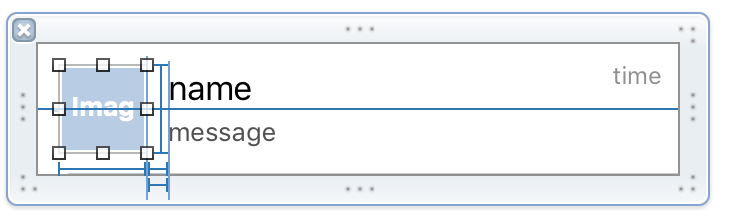
The Chat screen needs a custom cell. I created it with a xib, but the AutoLayout constraints could not change with screen resolution. Here is how I handled that.
/**
*  avaterImgView高度约束
*/
@property (weak, nonatomic) IBOutlet NSLayoutConstraint *avaterImgViewHeight;

/**
*  avaterImgView宽度约束
*/
@property (weak, nonatomic) IBOutlet NSLayoutConstraint *avaterImgViewWidth;
Drag the constraint you want to change from the xib into the .h file.
Then add the method.
//更改约束
- (void)changeConstraints
{
    _avaterImgViewHeight.constant = WGiveHeight(45);
    _avaterImgViewWidth.constant = WGiveHeight(45);
}
This lets us change an AutoLayout constant dynamically. If you know a better approach, I would appreciate your advice!
How to fine-tune the position of a native self.navigationItem.XXXBarButtonItem(image)
Before fine-tuning:
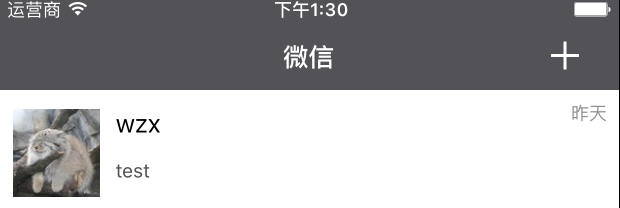
Before fine-tuning
Fine-tuning method:
[self.navigationItem.rightBarButtonItem setImageInsets:UIEdgeInsetsMake(0, WGiveWidth(-3), 0, WGiveWidth(5))];After fine-tuning:
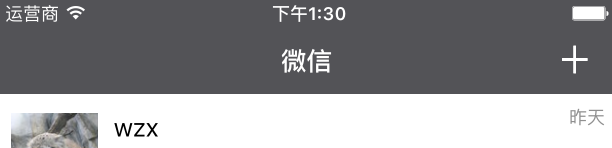
After fine-tuning
The SDWebImage method I use most often
Import the header file.
#import "UIImageView+WebCache.h"

[self.avaterImgView setImageWithURL:[NSURL URLWithString:_model.avatar] placeholderImage:[UIImage imageNamed:@"avater.jpg"] completed:^(UIImage *image, NSError *error, SDImageCacheType cacheType) {

}];
This method displays placeholderImage until the actual image loads.
- How to obtain an app's assets
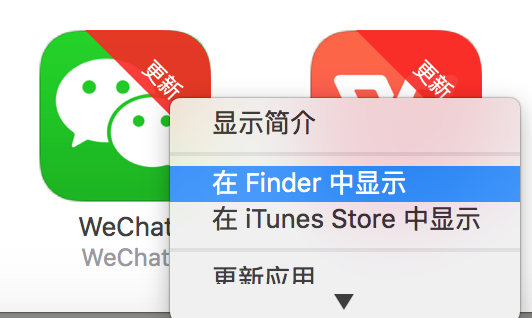
1. First, back up the app from your phone to iTunes.
2. Find the app, then choose Show in Finder.
3. Change the ipa file extension to ZIP.
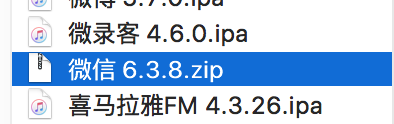
4. Extract it.

Screenshot 2016-01-31 at 1.46.21 PM.png
5. Right-click the WeChat file and choose Show Package Contents.
That is all for today. Time to pack up and go home for the New Year!
The 2/3 update will add network data. I am considering a LeadCloud cloud server for now. If you know a better option, please recommend it!
Current code, to be updated until the project is complete
If you have suggestions or questions, please leave a comment!
Recommended reading: Integrating LianLian Pay into an iOS app